-
Home

-
Crypt-o
-
Documentation
- Adding custom icons
 |
Adding custom icons |


|
Crypt-o allows adding custom icon images for records and folders. Open a record or folder for editing. In the window that appears, click on the image selection combo box and then click on the Customize... button. That will open the Customize images window.
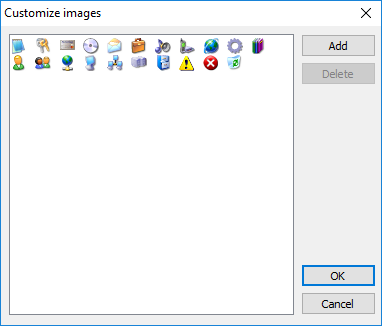
The Customize images window
In this window, you can add new custom images from image files, remove images, and copy images from other Crypt-o databases. The program supports the following image formats: *.png, *.ico, *.bmp. All images will be resized to 16x16 pixels; therefore, it is better to have the original images prepared in the 16x16 pixels format.